Identify the audience, scope and reuse needs before choosing a file pattern.
Design organisation · Workhuman AI practice
Make the file understandable
I use file-planning instructions with Recognition examples to decide the structure before generating or reorganising design artifacts.
figma-file-planning
The problem
Why this belongs
in the workflow.
A file becomes difficult to review when flows, reusable elements and annotations have no consistent structure.
What the skill makes explicit.
Use consistent page, section and layer naming so another person can follow the work.
Keep annotations at the level where they help explain a flow or a component.
Evidence and learning
From instructions
to practice.
The skill separates a short entry point from references for file patterns, naming conventions and annotation strategies.
Contribution and evidence scope
This documents a reusable method with product examples; it is not evidence of organisation-wide adoption.
Source: the supplied figma-file-planning skill and associated records. Internal component identifiers and company endpoints are omitted.
Process flow
How this skill handles a task.
A file becomes difficult to review when flows, reusable elements and annotations have no consistent structure.
- 01
Define scope
Identify scope, platform, collaborators and reuse.
- 02
Choose structure
Choose a component, family, feature or system pattern.
- 03
Name consistently
Apply a consistent page, section and layer hierarchy.
- 04
Layer annotations
Place flow and component guidance where it is needed.
DECISION CHECKPOINT
What structure fits the scope?
Proceed
Choose a component, family, feature or system pattern.
Alternative / follow-up
Clarify scope, reuse and collaboration before choosing.
Editorial map of the documented instructions, not a recorded execution.
Inside the skill
Instructions you can inspect.
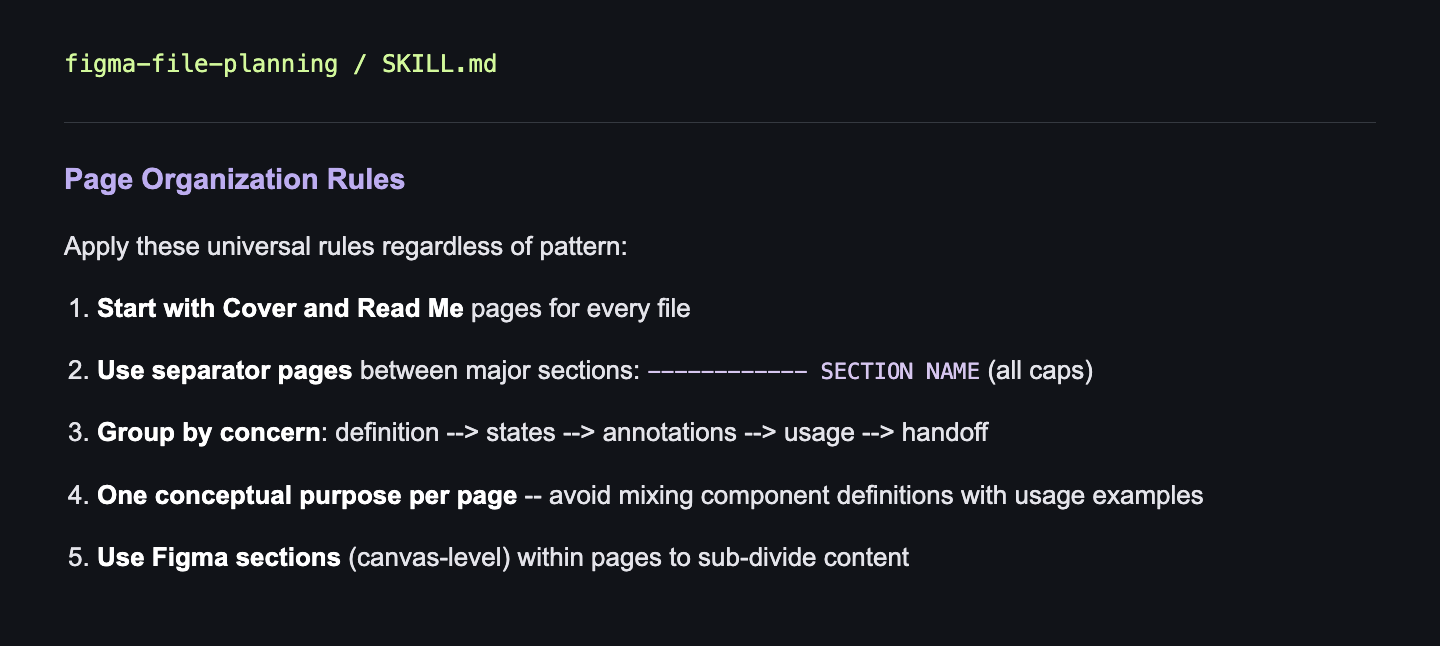
Page Organization Rules
Apply these universal rules regardless of pattern:
1. Start with Cover and Read Me pages for every file
2. Use separator pages between major sections: ------------ SECTION NAME (all caps)
3. Group by concern: definition --> states --> annotations --> usage --> handoff
4. One conceptual purpose per page -- avoid mixing component definitions with usage examples
5. Use Figma sections (canvas-level) within pages to sub-divide content