Reuse shared annotation components for focus, names, landmarks, headings and live regions.
Accessible handoff · Workhuman AI practice
Specify what the pixels cannot say
I use a Workhuman-specific annotation workflow to make those behaviours explicit through the existing shared annotation library.
figma-a11y-annotations
The problem
Why this belongs
in the workflow.
A screen alone does not explain keyboard order, accessible names, focus return or announcements when content changes.
What the skill makes explicit.
Group the annotations by the behaviour being explained rather than scattering notes.
Verify each annotation’s placement and relationship to the control it describes.
Evidence and learning
From instructions
to practice.
The supplied skill specifies distinct annotation types and a structured handoff for forms, dialogs, navigation and dynamic content.
Contribution and evidence scope
The shared annotation library was created by other colleagues. My workflow uses it; its presence does not prove a completed audit.
Source: the supplied figma-a11y-annotations skill and associated records. Internal component identifiers and company endpoints are omitted.
Process flow
How this skill handles a task.
A screen alone does not explain keyboard order, accessible names, focus return or announcements when content changes.
- 01
Inspect the screen
Identify controls, navigation and changing content.
- 02
Choose semantics
Define names, focus order, headings and announcements.
- 03
Annotate behaviour
Use the existing shared annotation components.
- 04
Review placement
Check that each note clearly maps to its control.
DECISION CHECKPOINT
Are the shared components available?
Proceed
Annotate semantics and verify their placement.
Alternative / follow-up
Ask for the shared annotation library to be linked.
Editorial map of the documented instructions, not a recorded execution.
Inside the skill
Instructions you can inspect.
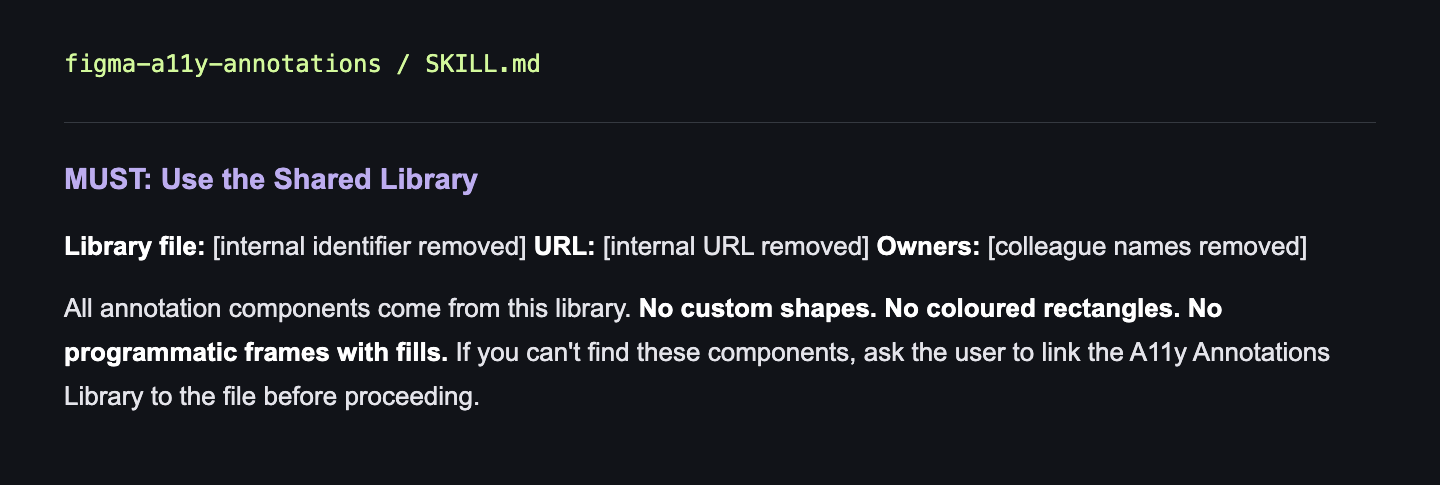
MUST: Use the Shared Library
Library file: [internal identifier removed] URL: [internal URL removed] Owners: [colleague names removed]
All annotation components come from this library. No custom shapes. No coloured rectangles. No programmatic frames with fills. If you can't find these components, ask the user to link the A11y Annotations Library to the file before proceeding.